Leopold, with his private stash...
A blog relating to Port Imperiale, my 40k Rogue Trader era setting, Altheim, my 3rd Edition WFB city, and other hobby-related stuffs.
Showing posts with label tutorial. Show all posts
Wednesday, 11 March 2020
A Quick Tutorial: Books!
After my last post showing Leopold's bookshop, I've had a few people ask me how I made the books themselves. Rather than repeat myself, or post it somewhere very few people would see it, I thought I'd put up a quick tutorial as they're quick and easy to do, and I like to think they give a good result:
So, if you're interested, details are after the cut...
Saturday, 15 October 2016
Printing Transfers, a DIY Guide.
After the last couple of posts on here, quite a few people now have asked me for more info about the transfers I've recently made, so I thought I'd get around to actually doing a bit of a DIY Guide before I forgot what I did!
Read on, after the cut...
Monday, 6 July 2015
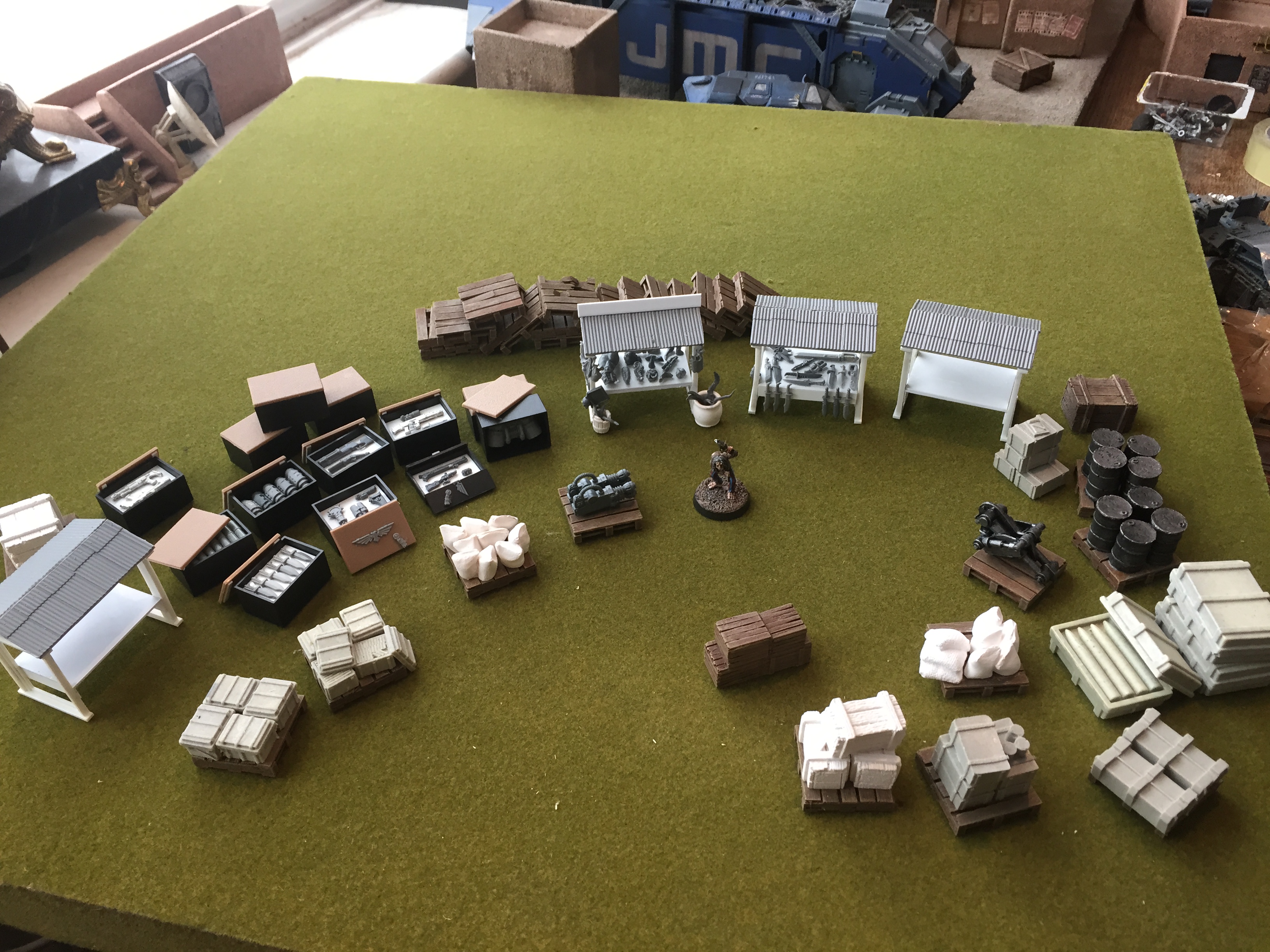
Only Fools and Ambulls... or: Market stalls, a handy how-to guide.
As part of my ongoing Port Imperiale project, I wanted to build a bustling marketplace for contraband as a centrepiece for the settlement. I wanted it to basically be a sci-fi version of a mediaeval market, so it needs to be chaotic, and above all, look crowded and busy.
I was going to buy some of the many laser-cut mdf offerings, but decided to have a look through my bits boxes and see if I could scratchbuild anything easily. It was then that I found something that made it very easy indeed.
Labels:
40k,
Port Imperiale,
Rogue Trader,
Scenery,
tutorial
Subscribe to:
Posts (Atom)